


Buyer / Receipt-Holder Portal
After KYC, buyers and receipt holders see exactly what they hold with us: grade, quantity in metric tons and barrels, tank, terminal and status, with the documents behind each figure.
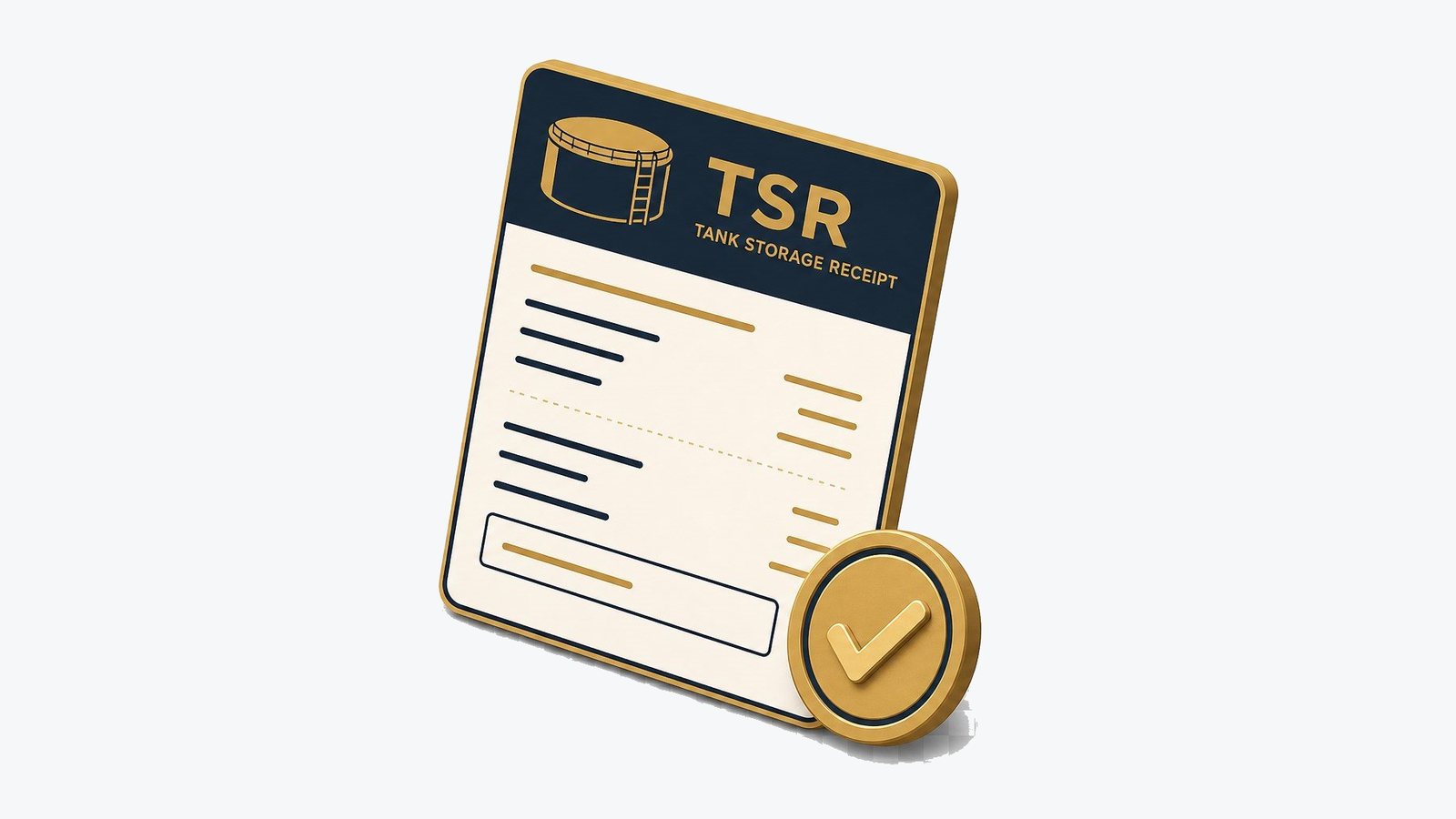
A buyer who holds product in storage needs a reliable answer to one question: how much of which grade is mine, and where is it. The Buyer / Receipt-Holder Portal shows it, for example 50,000 metric tons of Jet A-1 in Tank 42, together with the status of that allocation and the inspection and title documents that support it.
Access comes only after KYC verification. We confirm who you are, who owns your company and that your claim on the product is real before an account exists. That order matters. In bulk oil trading, fake storage receipts and fee-for-document schemes are a known fraud pattern, and a portal anyone could enter would make the problem worse.
KYC first, then access
Before an account is opened, we verify the company, its beneficial owners and each person who will sign in, and we confirm the relationship that gives them a claim on product in our tanks: a purchase contract, a title transfer or a storage agreement. Sanctions and adverse-media screening are part of the same review. Only then are sign-in credentials issued.
Signing in
Verified users sign in with any one of four identifiers. Each one leads to the same verified account. Credentials are personal: if a colleague also needs access, they go through verification in their own name rather than sharing a login.
- Receipt number: printed on each Tank Storage Receipt
- Username: chosen at onboarding
- Client ID: assigned by us when KYC is approved
- Email: the address verified during KYC
What you see
Each allocation shows the product grade, the quantity in metric tons and US barrels, the tank number, the terminal and the current status. Barrels are corrected to 60°F, and tons are derived from the inspected density using the standard petroleum measurement tables, so both figures describe the same product and can be checked against each other.
| Status | Meaning |
|---|---|
| Injected | Product has been received into the tank and measured. |
| Allocated | A measured quantity in the tank has been assigned to you. |
| On hold | The allocation is paused, for example pending documents, a quality result or an instruction under the storage agreement. |
| Released | The hold is lifted and the product can be moved or transferred under the agreement. |
| Title transferred | Ownership has passed to the named receiver, and the record shows the transfer. |
Your documents
Every figure on the screen is backed by a document you can open from the portal. Documents are issued under the Tank Storage Agreement and appear only in the account of a verified party to it. Quantity and quality certificates come from an independent inspection company appointed under the agreement, not from the seller.
| Document | Issued by | What it shows |
|---|---|---|
| Tank Storage Receipt (TSR) | The terminal | Product, quantity and tank held for the named holder |
| Certificate of Quantity | Independent inspector | Measured volume and mass from tank gauging and temperature |
| Certificate of Quality | Independent inspector | Laboratory results against the product specification |
| Allocation report | The terminal | How the tank stock is split between holders |
| Title transfer record | The terminal | Transfer of title between holders, with date and quantity |
Integrity: how we protect receipt holders
Storage documents carry value, so they attract forgers. Fraudsters use the vocabulary of the trade, TSR, ATV (authority to verify) and DTA (dip test authorization), to sell product that does not exist or to collect fees for documents that never arrive. The rules below apply to every account we open and every document we issue.
- Documents go only to KYC-verified parties under a signed Tank Storage Agreement
- Every genuine receipt is visible in the verified holder's portal account
- Inspection certificates come from an independent inspector, never from a seller
- No fee is ever charged to release, verify or activate a document
How it works
- 1Apply
Your company contacts our portal team.
- 2KYC review
Company, beneficial owners, signatories and screening checked.
- 3Link your allocation
The account is linked to the receipts and tanks you hold.
- 4Sign in
Use your receipt number, username, client ID or email.
Frequently asked questions
Can I see a receipt before I complete KYC?
No. Receipts and allocation details are visible only to verified parties to the storage agreement. If a seller offers to show you a CorEnergy receipt before we have verified you, treat it as a warning sign and call us on the number published on this website.
A seller sent me a TSR with your name on it. How do I check it?
Do not rely on contact details printed on the document. Call +1 252 633 7061 or write to info@corenergylogistics.com, and quote the receipt number. If the receipt is genuine, the verified holder can also see it in their own portal account.
Why are quantities shown in both metric tons and barrels?
Contracts are written in either unit, and the conversion depends on the product's density. Showing both, from the same inspected figures, avoids rounding disputes. Barrels are US barrels of 42 gallons at 60°F; metric tons follow the basis named in the contract, such as weight in air.
What does on hold mean on my allocation?
The product is still in the tank and still allocated to you, but it cannot be moved or transferred until the reason for the hold is cleared. Our portal team can explain the reason and what is needed to release it.
Related
Integrity & Fraud Prevention
How advance-fee oil-trade fraud works, what we never do, and how to verify a CorEnergy document.
Read more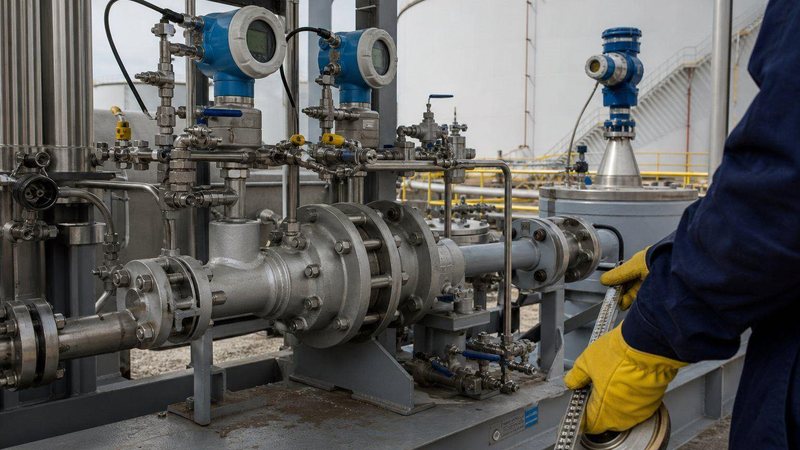
Custody Transfer Measurement
Tank gauging, meters and provers, sampling and volume correction to API MPMS standards.
Read more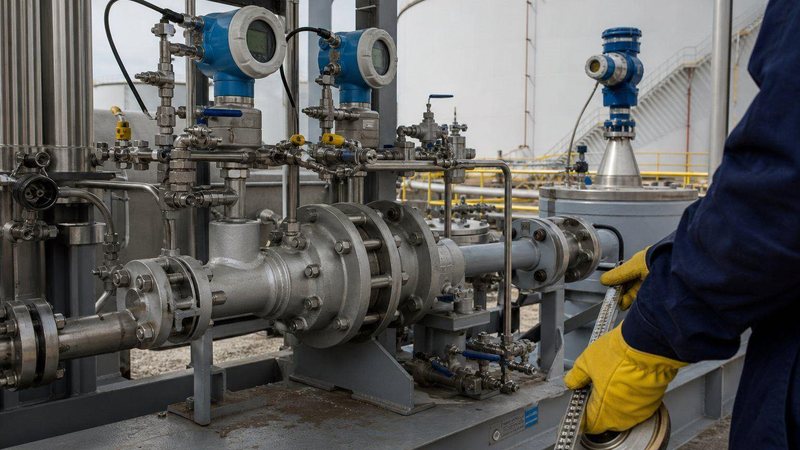
Custody Transfer, Explained
From TOV to NSV to metric tons: the quantity chain behind every invoice, with a worked example.
Read more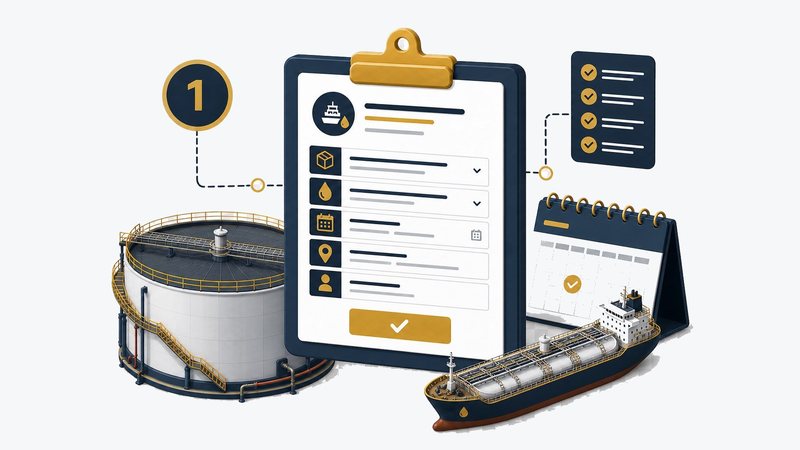
How the Tools Work
Step-by-step use of the tracker, tank availability and buyer portal, plus languages and sharing.
Read moreStart KYC
Hold product with us, or about to? Contact our portal team to begin verification.